
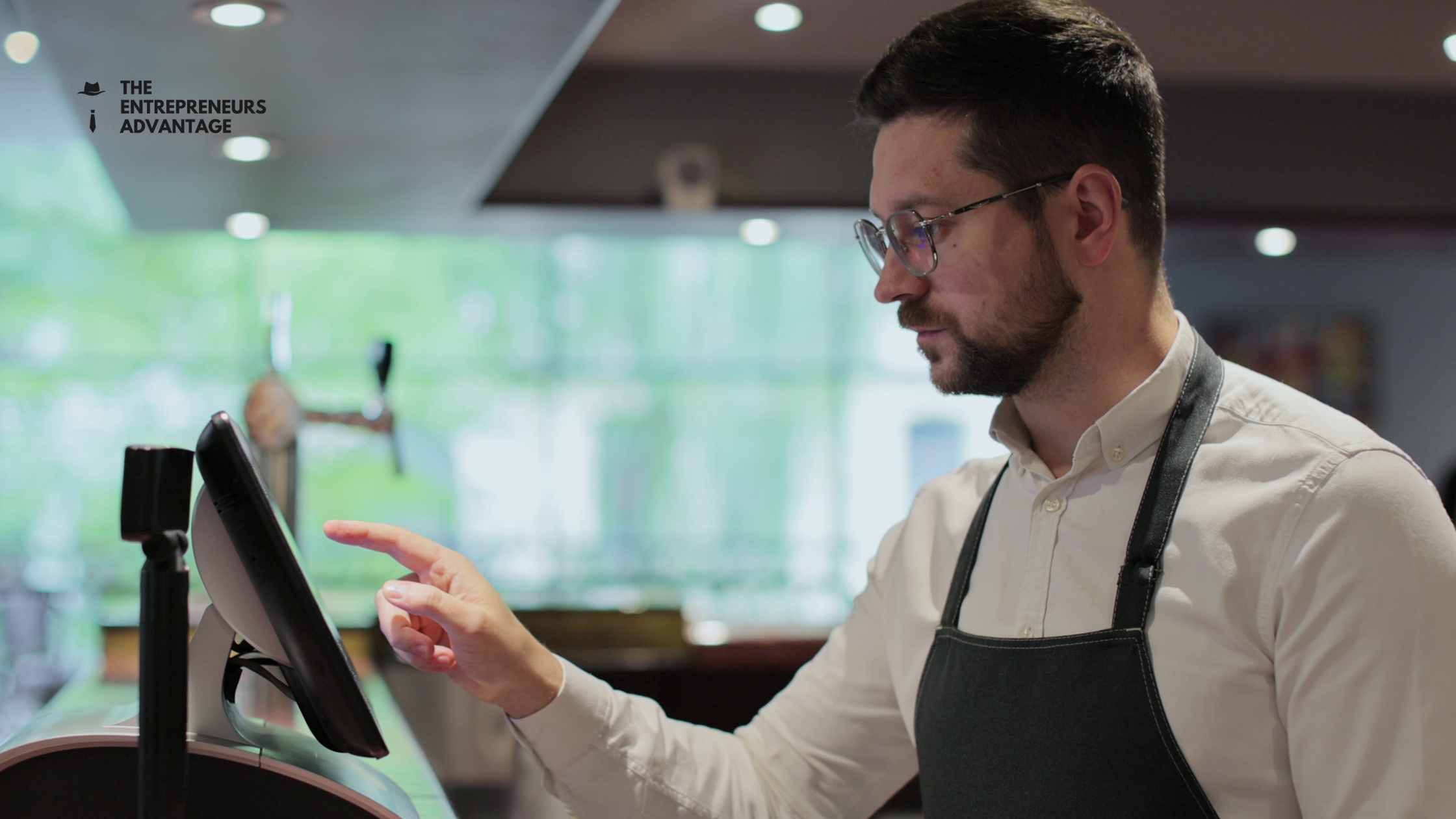
Order errors cost restaurants money, frustrate guests, and create chaos during rush periods. A single misread order ticket can lead to wasted food, remake costs, refunds, and bad reviews. The difference between a smoothly running kitchen and one drowning in mistakes often comes down to one thing: your Kitchen Display System (KDS).
A Kitchen Display System is the digital backbone of modern kitchen operations. It replaces paper tickets with clear, organized digital orders that flow directly from your POS system to kitchen staff. But having a KDS isn’t enough—you need to use it strategically to eliminate errors before they happen.
What Is a Kitchen Display System?
A Kitchen Display System (KDS) is software that displays customer orders on kitchen screens in real-time. Orders appear instantly as they’re placed, eliminating the delay and confusion of paper tickets. Instead of shouting across a loud kitchen, your team sees orders organized by station, priority, and preparation time.
When implemented correctly, a KDS becomes your greatest weapon against order errors.
Best Practice #1: Organize Orders by Station
One of the biggest mistakes restaurants make is displaying all orders in one jumbled list. Instead, organize your KDS to show orders by station—grill, fryer, cold prep, assembly, etc. This allows each team member to focus only on their assigned station, reducing confusion and the chance of someone picking up the wrong order.
Make sure your POS system is configured to route orders to the correct stations automatically. This removes the human step of manual sorting and cuts error rates significantly.
Best Practice #2: Use Color-Coding and Urgency Flags
A well-designed KDS uses color and visual hierarchy to communicate urgency. Orders should change color as they age—green for new, yellow for pending, red for urgent or overdue. This visual feedback keeps your team focused on priority items and prevents orders from getting buried or forgotten.
Most modern POS systems allow you to set time stamps for each stage of preparation, so the system automatically flags orders that are taking too long.
Best Practice #3: Train Your Team Thoroughly
Your KDS is only as good as the people using it. New kitchen staff need clear training on how to read the system, mark items complete, and understand order modifications. Dedicate time to onboarding—walk through real orders, explain the workflow, and answer questions.
Regular refresher training prevents bad habits from developing and ensures consistency across your team, especially as staff turns over.
Best Practice #4: Modify Orders in Real-Time
One of the biggest advantages of a digital system is the ability to modify orders instantly. If a customer requests no onions or extra sauce, that change should appear on the kitchen screen immediately. Make sure your servers know how to ring in modifications correctly and that your KDS is configured to highlight changes visually.
Paper tickets can’t do this. A KDS can.
Best Practice #5: Monitor and Optimize Daily
Your POS system generates data about order times, error rates, and kitchen efficiency. Review this data daily. Which orders are taking longest? Where are errors happening most? Use this insight to adjust station assignments, staffing, or workflows.
Continuous improvement is the difference between a restaurant that reduces errors and one that stays stuck in chaos.
The Bottom Line
A Kitchen Display System eliminates order errors by replacing guesswork with clarity. Color-coded urgency, organized stations, and real-time modifications keep your team aligned and your kitchen running fast. Ready to optimize your kitchen operations? The Entrepreneurs Advantage specializes in Toast POS integration and KDS setup. Let us help you reduce errors and boost efficiency—contact us today to build your restaurant’s crash kit and kitchen system.
0 Comments